
Find the game in Discovered
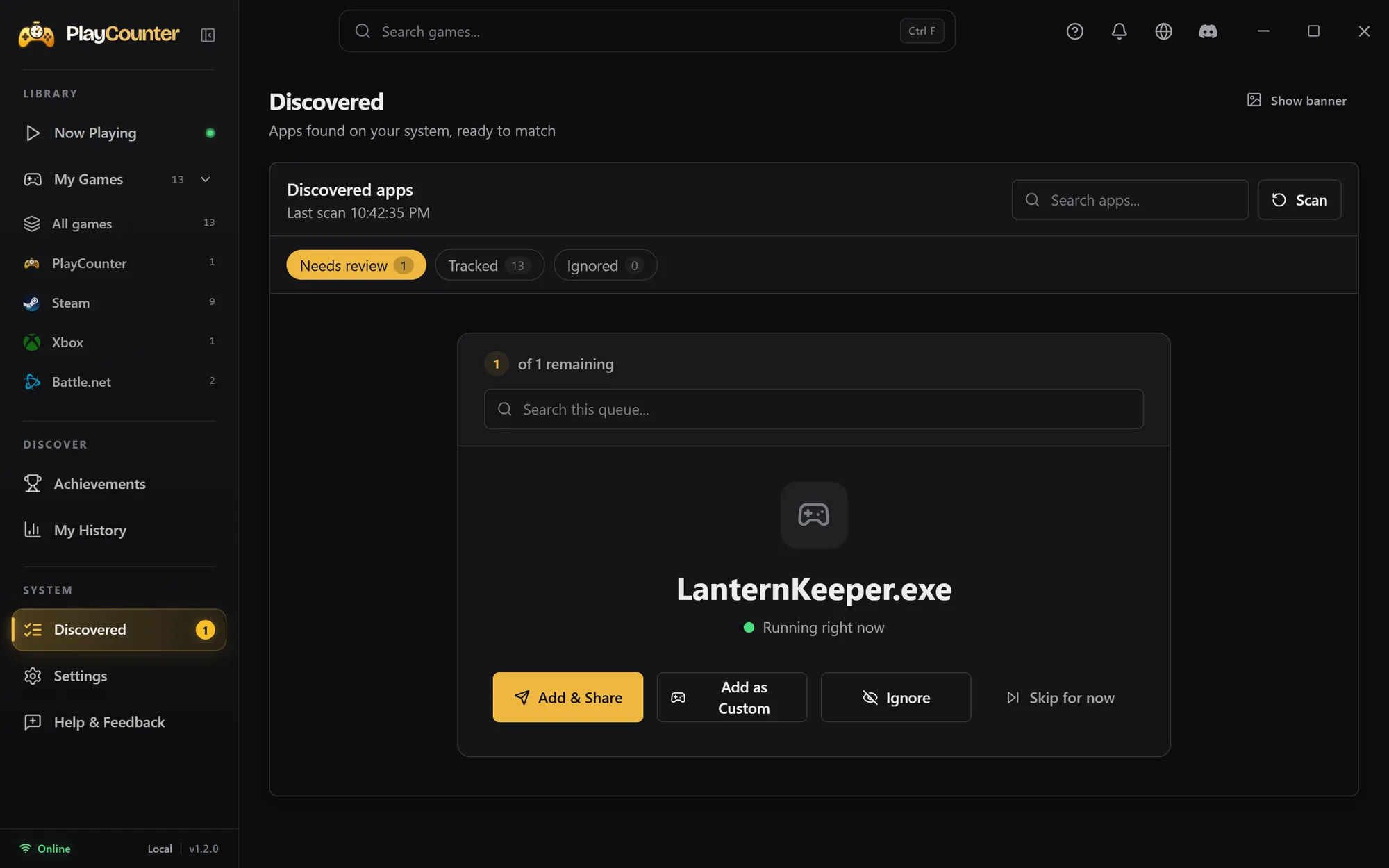
Start the game, then open Discovered
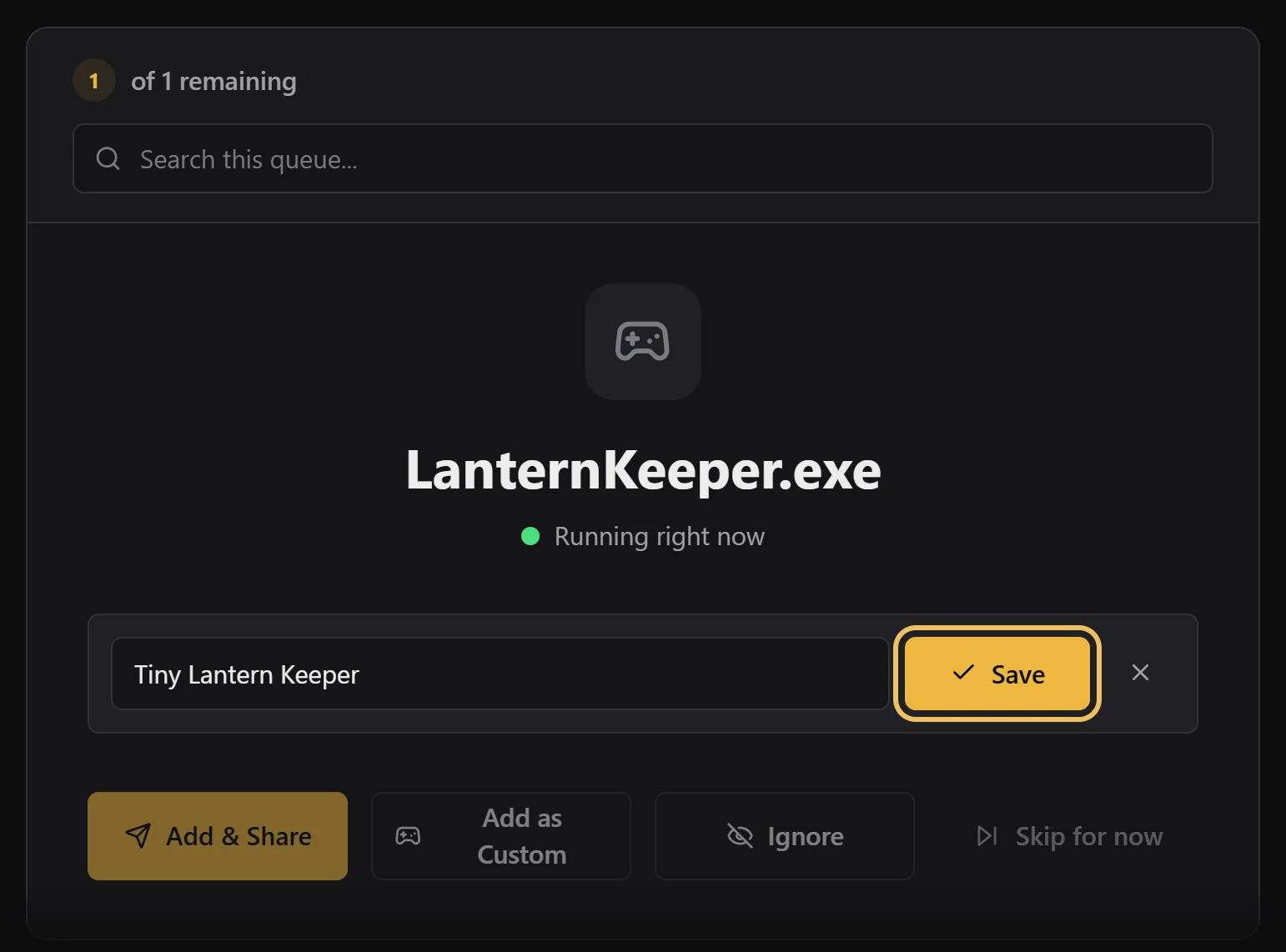
Keep the game running. In PlayCounter, open Discovered in the sidebar. Files PlayCounter could not match wait under Needs review; a green dot means the file is running right now.
Match it and share the match
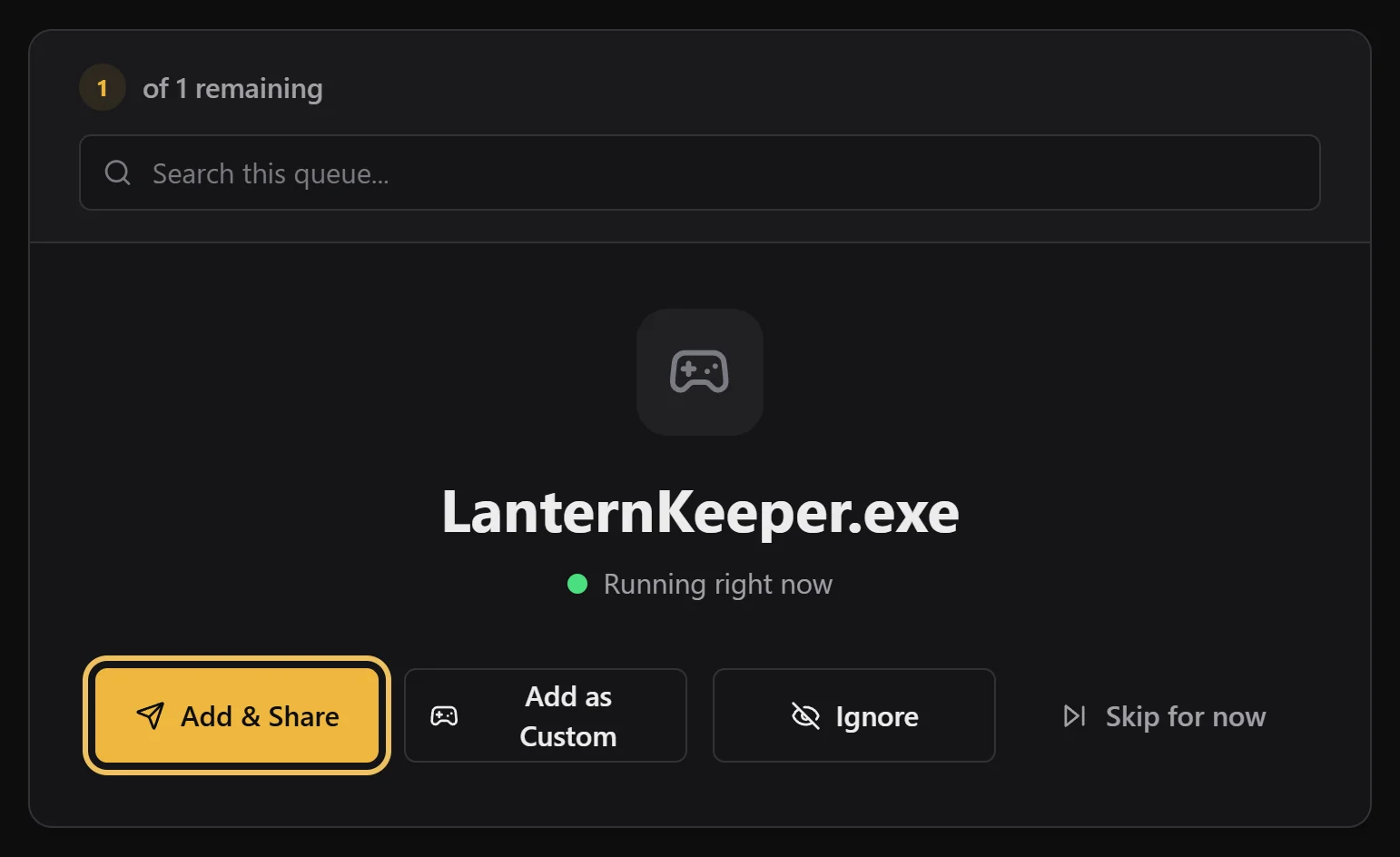
Select Add & Share
Choose this when the game exists in the game database, even if it is small or new.
Search, pick the game, then Add and share
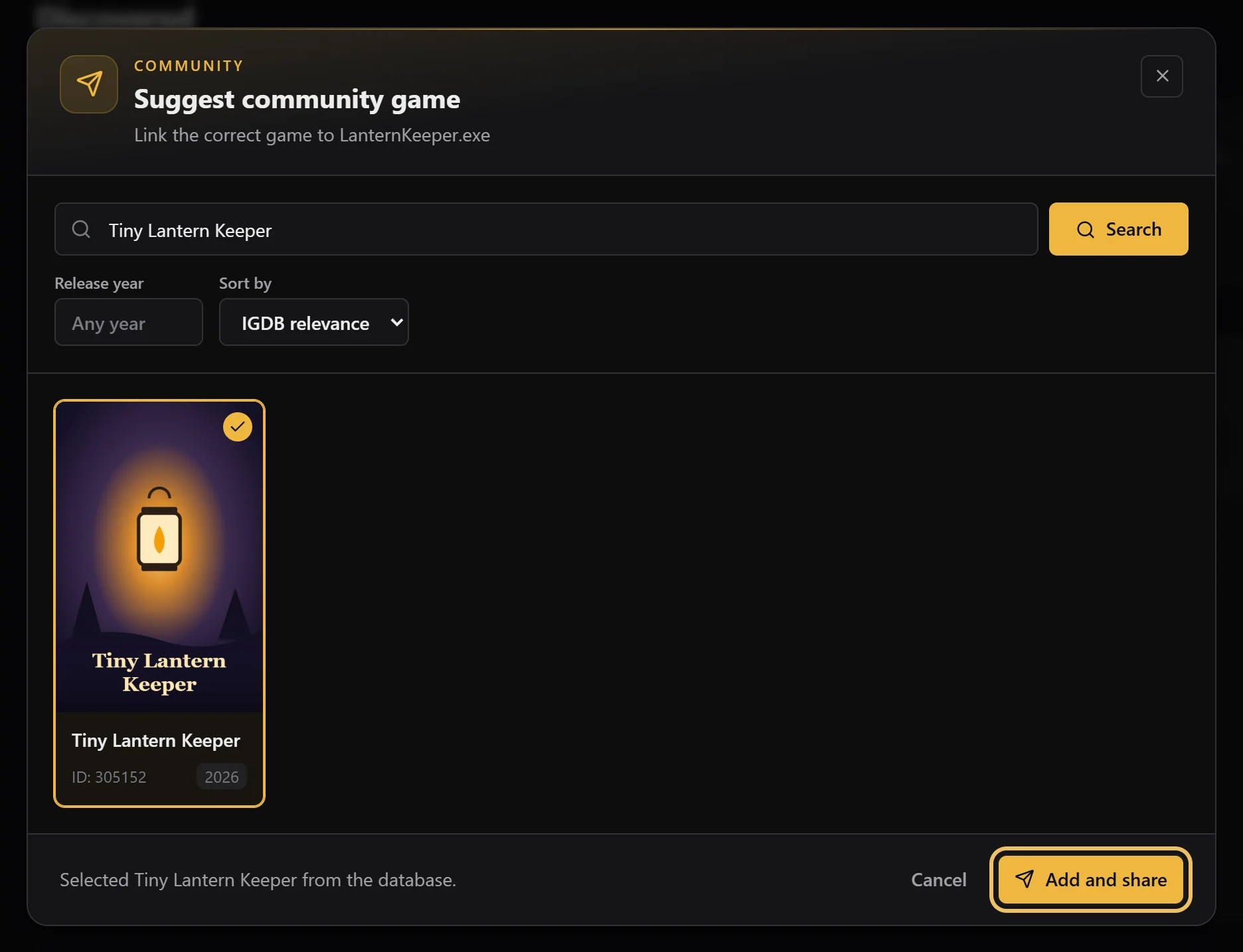
Search for the exact title, select the right result and choose Add and share. The game is added to My Games right away, and your match goes to the community for review so it can help other players too. What is shared.
Or add it as a custom game
Select Add as Custom, type a name and Save
Use this for mods, private builds or anything you don’t want to share. The game joins My Games under the name you choose and stays on this PC.
If the game still doesn’t show up
- Pick the game’s own file, not a launcher or updater that stays open.
- Generic names like
game.execan belong to many games. PlayCounter may ask you to choose; that choice stays on your PC. - Just started the game? Select Scan at the top of Discovered.
- Browser and cloud-streamed games run inside another app and can’t be told apart automatically. Log those sessions yourself.
- Not a game at all? Choose Ignore and it won’t be asked about again.