Automatic detection starts with the running process
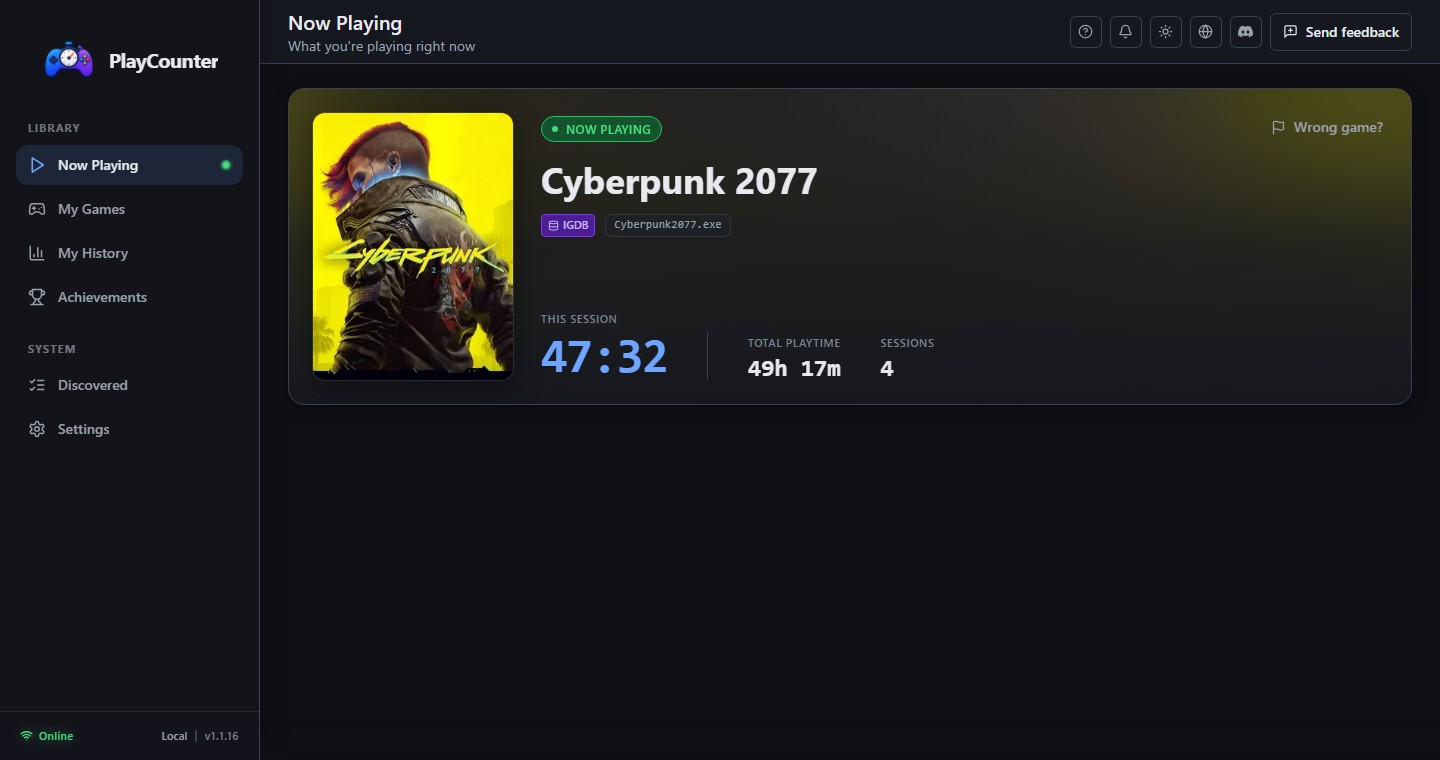
On Windows, every running desktop game has one or more processes. PlayCounter scans those running applications in the background. It does not need a Steam, Epic Games, GOG, Xbox, or other launcher account, because its starting point is the software currently running on the PC rather than a store library.
The important identity is the executable filename, such as
examplegame.exe. When that name has a known match,
PlayCounter can associate the process with the correct game and
begin timing. The way the player reached that process, whether a
launcher, shortcut, mod manager, portable folder, or direct
executable, does not define the session.
The matching flow, step by step
- Observe: the desktop app sees a Windows process that is not already ignored or handled.
- Check locally: a remembered match can identify the filename without asking the player again.
- Match: when needed, PlayCounter asks its matching API whether that Windows executable filename belongs to a known game.
- Time: a recognized process becomes an active play session for as long as it is observed running.
- Store: after the process stops, the session adds to the game's local total and recent history.
This is why PlayCounter can track playtime outside Steam without asking users to import a separate copy of every installed library.
For matching, PlayCounter sends the executable filename to its API. The full executable path stays off the matching request. Playtime and session history remain in local app storage, and no PlayCounter account is required.
Why filenames can be matched automatically
Many shipped games use a stable, distinctive executable name. Once a high-confidence filename-to-game relationship is known, the same recognized name can be useful to more than one player. Local caching also means a confirmed choice can be reused on that PC.
Matching by filename deliberately avoids depending on an install directory. A portable game can move folders without changing its executable name. It also keeps personal folder names out of the matching request. The tradeoff is that filenames are not always unique, which is why PlayCounter has explicit unknown and ambiguous states.
Unknown executables need one useful decision
A recently released, renamed, niche, or custom application may have no reliable match yet. PlayCounter can leave it unknown instead of guessing. The player can add the running executable as a local custom game, ignore it as not a game, or submit a suggested executable-to-game match for review.
A submitted suggestion works locally for the person making it. Only reviewed, approved matches improve automatic recognition for future users. That separation helps the shared matching data grow without turning every individual choice into a global claim.
Ambiguous filenames produce candidates, not a guess
Names such as game.exe, launcher.exe, or
another generic label can belong to unrelated games. If several
exact candidates are available, PlayCounter shows a choice. The
selected game is remembered locally and its valid game identity is
used for the session, but one user's selection is not treated as a
universal one-to-one answer.
This is a small interruption compared with manually constructing a whole library, and it protects future players from an incorrect silent match. The broader supported-games guide explains other cases where process identity is limited.
What the session record contains
While a matched game is running, PlayCounter shows it as current activity and accumulates the observed duration. Completed sessions contribute to per-game totals, session counts, and recent local history. Records can be backed up with the app's local data, and missed or older time can be added manually.
There is no historical launcher import. If PlayCounter was not running and did not observe a session, it cannot reconstruct that session automatically afterward. Starting it with Windows is the simplest way to build a consistent record from this point forward.
Where process detection has natural limits
- A renamed executable may no longer match its known filename.
- Generic or shared executable names may require a local choice.
- An emulator may expose one emulator process for many ROMs, so the process does not reliably identify the individual game.
- Browser and cloud gaming experiences can share one host process in the same way.
These constraints are a consequence of observing processes rather than injecting into games or forcing every title through a central launcher. For players who value that lightweight workflow, recognized executables make everyday tracking automatic while the exception tools keep uncertain cases honest.